Inbox
Last updated: February 26, 2026
Centralize and manage all your candidate, client, and team communications in one unified workspace.
The Inbox brings all your communication channels together — so you never lose track of conversations with candidates or clients.
Open the Inbox
In the left sidebar, under Workspace, select Inbox.
This opens your unified message center where all email threads and connected communication channels such as LinkedIn and WhatsApp are synced in real time.
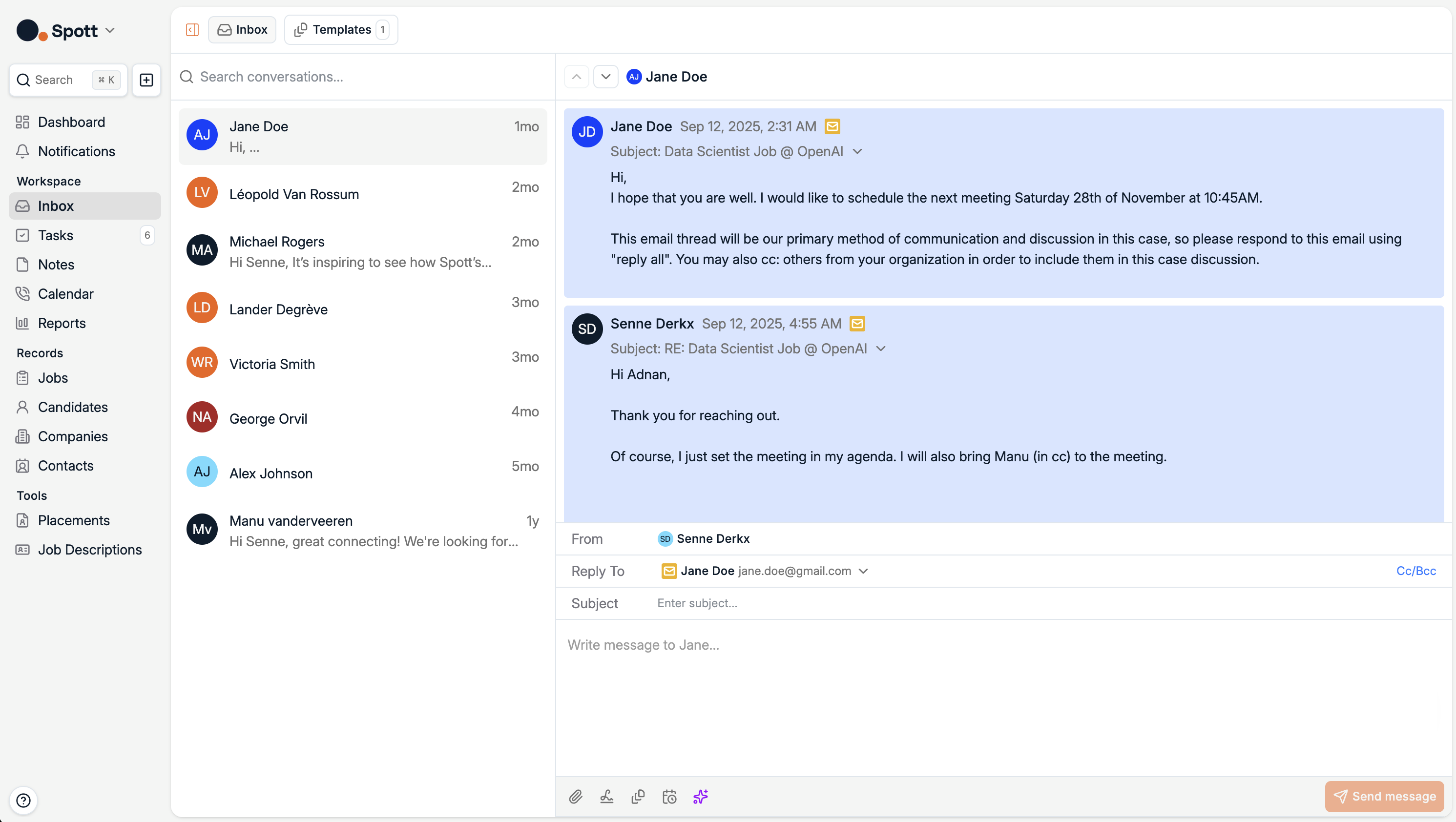
Understand your unified view
The Inbox consolidates all communication sources connected to your account, including:
Candidate and client emails
Job related messages
Any WhatsApp, LinkedIn Sales Navigator, or LinkedIn Recruiter messages
Each message automatically links back to the relevant Candidate, Company, or Job in Spott, giving full visibility in one place.
Browse and read conversations
The left column lists all ongoing conversations with timestamps.
Selecting a thread opens the full conversation history on the right.
You can see sender, recipients, attachments, and related context at a glance.
The Inbox keeps messages grouped by thread, ensuring long candidate or client exchanges remain neatly organized.
Reply and collaborate directly
From the conversation view, you can:
Reply directly via your connected mailbox
Mention teammates for internal collaboration
Add notes or follow up tasks linked to the conversation
Replies are sent using your connected email integration, for example Gmail, Outlook, WhatsApp, or LinkedIn, and stored in Spott automatically.
Keep communication in context
Every message in Inbox is contextually linked:
Candidate conversations appear under the Candidate profile
Client and job related emails are visible in the respective Company or Job record
All messages sync in both directions, updates in your email client appear in Spott and vice versa.
Make sure your email integration is active under Settings → Accounts to enable full syncing.
The Inbox is your single source of truth for communication.
It eliminates the need to switch between multiple apps and ensures every recruiter and account manager stays aligned on candidate and client interactions.