Updating a Candidate Profile
Last updated: February 26, 2026
Learn how to keep candidate profiles up to date by automatically syncing new information from uploaded or requested CVs.
Spott automatically detects and merges new information from CVs you upload — saving you from manually retyping details.
Open a candidate profile
Go to the Candidates section and select the candidate you want to update.
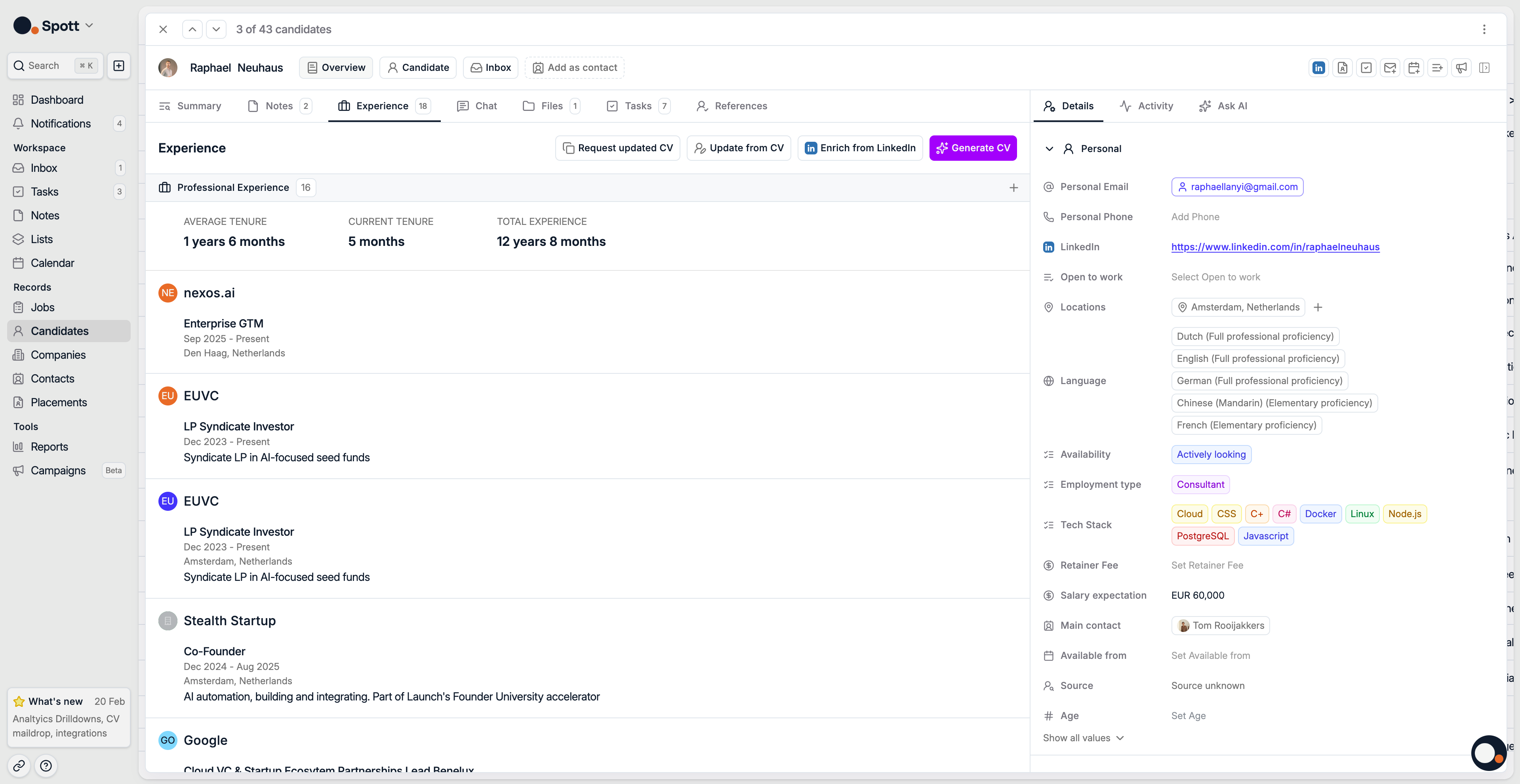
Choose your update method
You can refresh a candidate’s information in three ways from the top right corner:
Request updated CV, share a link with the candidate to upload their latest CV
Update from CV, upload a new CV file (PDF or DOCX) yourself to trigger an automatic update.
Enrich from LinkedIn, to trigger an automatic update based on their LinkedIn Profile
When a candidate uploads a new CV through the shared link, their profile is automatically updated once the file is received.
How incremental updates work
When a CV is uploaded or based on the up-to-date LinkedIn profile, Spott compares the new data with existing profile data and intelligently merges changes.
New information, like recent roles, new education, or contact updates, is added automatically
Existing fields are kept unchanged unless new, verified data is found
Duplicates and minor differences, like job title variants, are handled automatically to keep data consistent
You can always review the updated fields in the candidate profile after the update.
Finalize and review
Once the update is processed:
Reopen the candidate profile
Review updated sections such as Experience, Education, and Details
Confirm that the new data has been merged correctly
Manual changes made after the CV upload will always override automatic parsing results.
Incremental CV updates ensure your database stays current and accurate without manual editing, ideal for large candidate pools or recurring submissions.