Searching & Filtering Candidates
Last updated: February 25, 2026
Quickly locate and organize candidates in your Spott database using the search bar, structured filters, and AI-powered smart filtering.
You can quickly navigate to this page using G then A.
Learn more about all shortcuts here.
Open the Candidates database
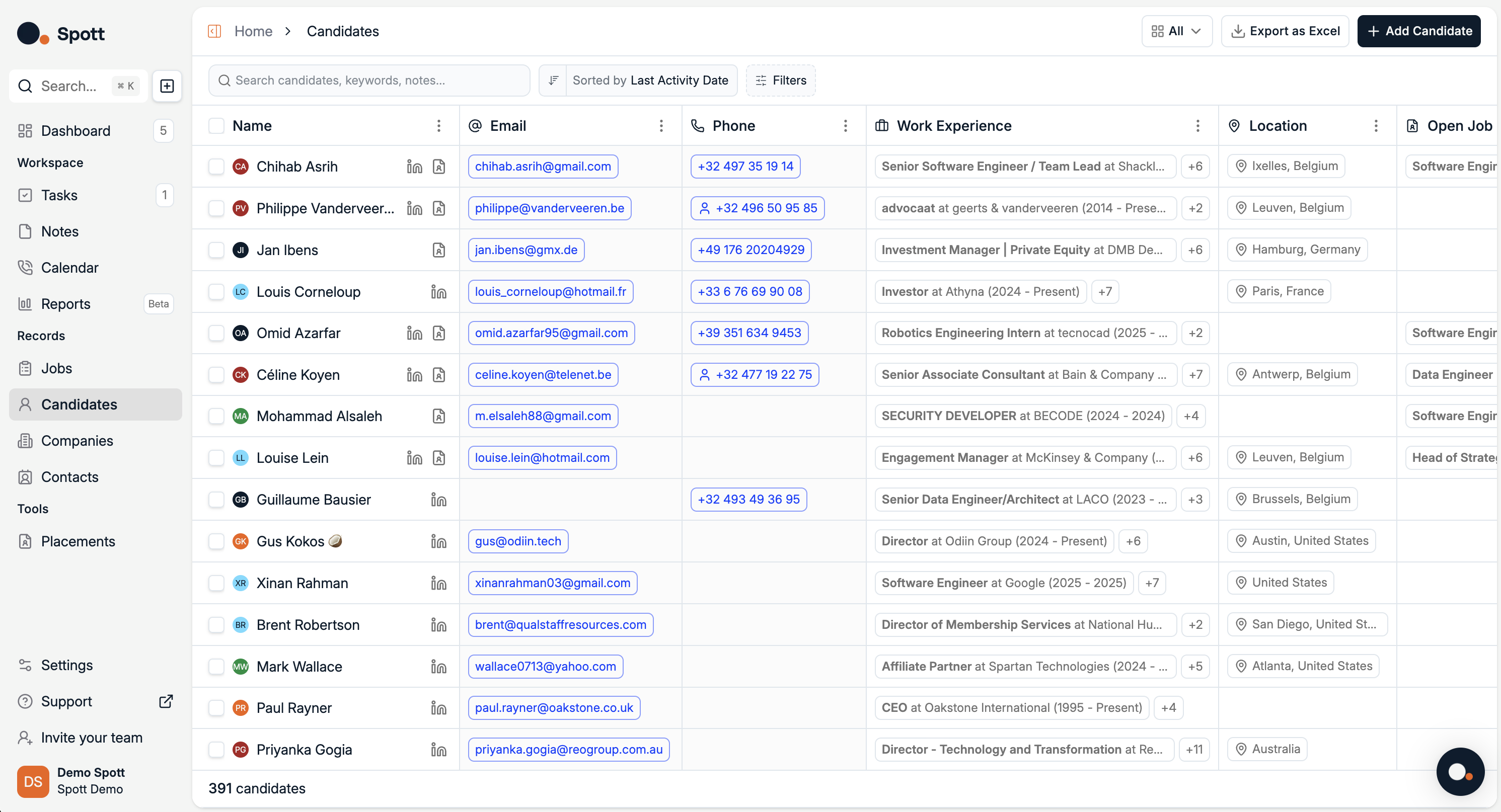
From the left-hand navigation bar, select Candidates to view your full database.
Use the search bar
The search bar is located in the top-left corner of the Candidates view.
You can search for:
Candidate names – e.g. “John Smith”
Company names – candidates who have worked at a specific company
Institutions – candidates from certain schools or universities
Keywords – words found in notes, tasks, or candidate records
The search function looks across all candidate data, including notes, tasks, and profile details, to return the most relevant matches.
Apply structured filters
Click the Filter button to open the filtering panel.
You can filter by five main categories:
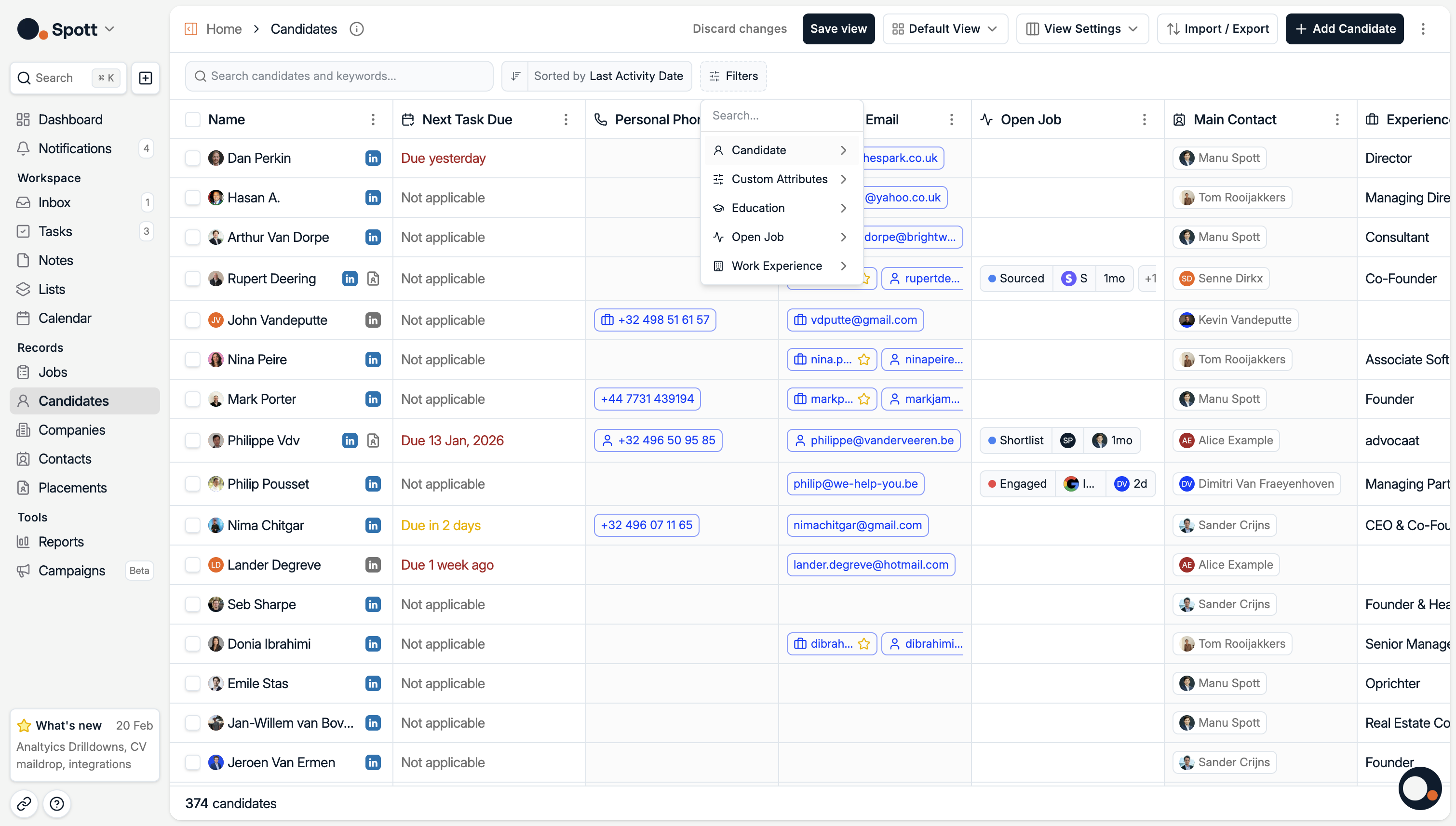
1. Candidate
Filter by personal and demographic details:
Location
Gender
Nationality
Status (e.g. Active, Archived)
Age
Years of Experience
Language
2. Work Experience
Filter by career history:
Job Title
Company Name
Industry
Company Location
Work Experience Dates
3. Education
Filter by academic background:
Degree
Field of Study
Institution Name
Education Dates
4. Open Jobs
Filter by current Job Applications:
Application Client
Application Job
Application Owner
Application Stage
5. Custom
Any user-created fields specific to your organization’s workflow.
Selecting multiple filters will narrow results to candidates meeting all chosen criteria. Within a single field, multiple selections are treated as OR conditions (e.g. “Paris OR London”).
Save filters into Views
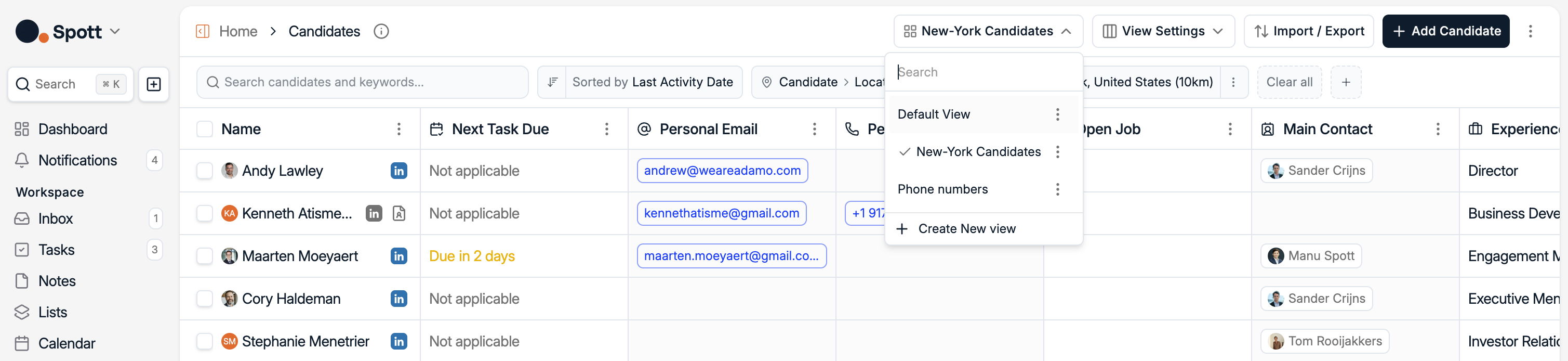
You can save a set of filters into a view so you can come back to it later. You can create as many views as you want. To create a new view:
Click on Default View
Set Filters
Hit Save view
Now you can access this saved view from the dropdown
Organize results
After applying search or filters, you can:
Sort results by name, ranking, or other fields
Clear all filters to return to the full candidate list
Combining the search bar with structured filters — and enhancing them with AI Text to Filters — is the fastest way to identify the best candidates for your shortlist.