Searching and Sorting Jobs in the Database
Last updated: February 25, 2026
Find and organize jobs in Spott using search, filters, and sorting options.
You can quickly navigate to this page using G then J.
Learn more about all shortcuts here.
1⃣ Open the Jobs view
From the left-hand navigation bar, select Jobs to open your full job list.
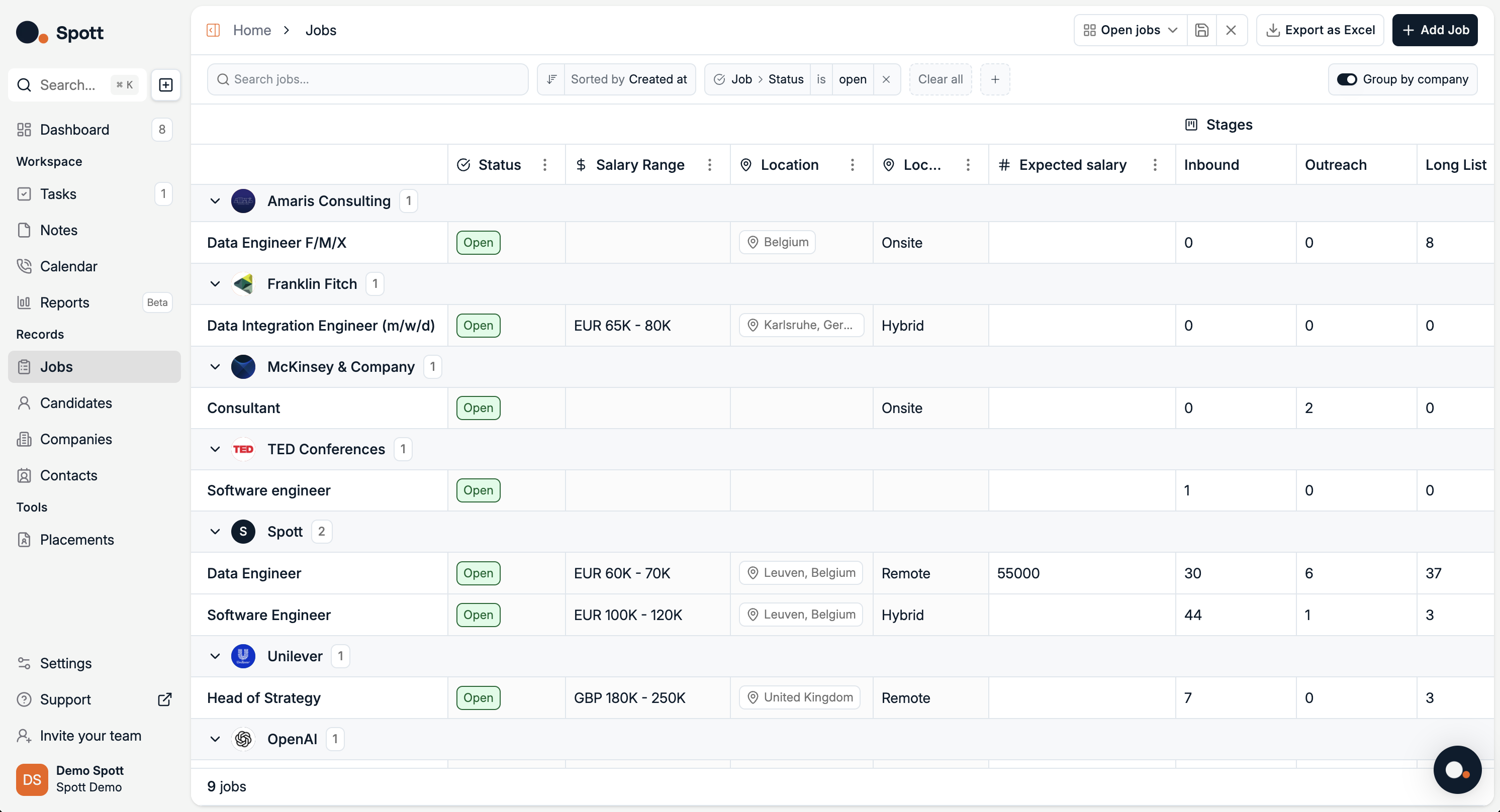
2⃣ Search with keywords
Use the search bar at the top of the Jobs view to quickly find jobs by text that appears in job fields.
3⃣ Filter by category
Open the Filters panel. You will see two main categories, each with multiple subfilters.
Job filters
Name
Description
Status
Employment Type
Location Type
Created at
Start at
End at
Team
Location
Users
Company filters
Company size
Industry
Company description
Company
Company name
Custom filters
Filter Jobs using Attributes you have created yourself from the Settings
You can add multiple filters from these categories to narrow your results.
4⃣ Sort your results
Click the Sort option to arrange your job list by the field of your choice.
Sorting options include:
Company Name
Status
Created at
Start at
End at
Employment type
Location type
Modified at
Next task due at
Project Type
Sorting can be applied together with filters to quickly focus on the most relevant jobs.
Each filter you add appears as a chip at the top of the list. Remove any chip to broaden your results again.