How to merge Records in Spott
Last updated: February 25, 2026
When you identify a duplicate, let it be a job, a contact, a candidate or a company, you can merge duplicate records to consolidate information into a single place.
Steps to merge Records
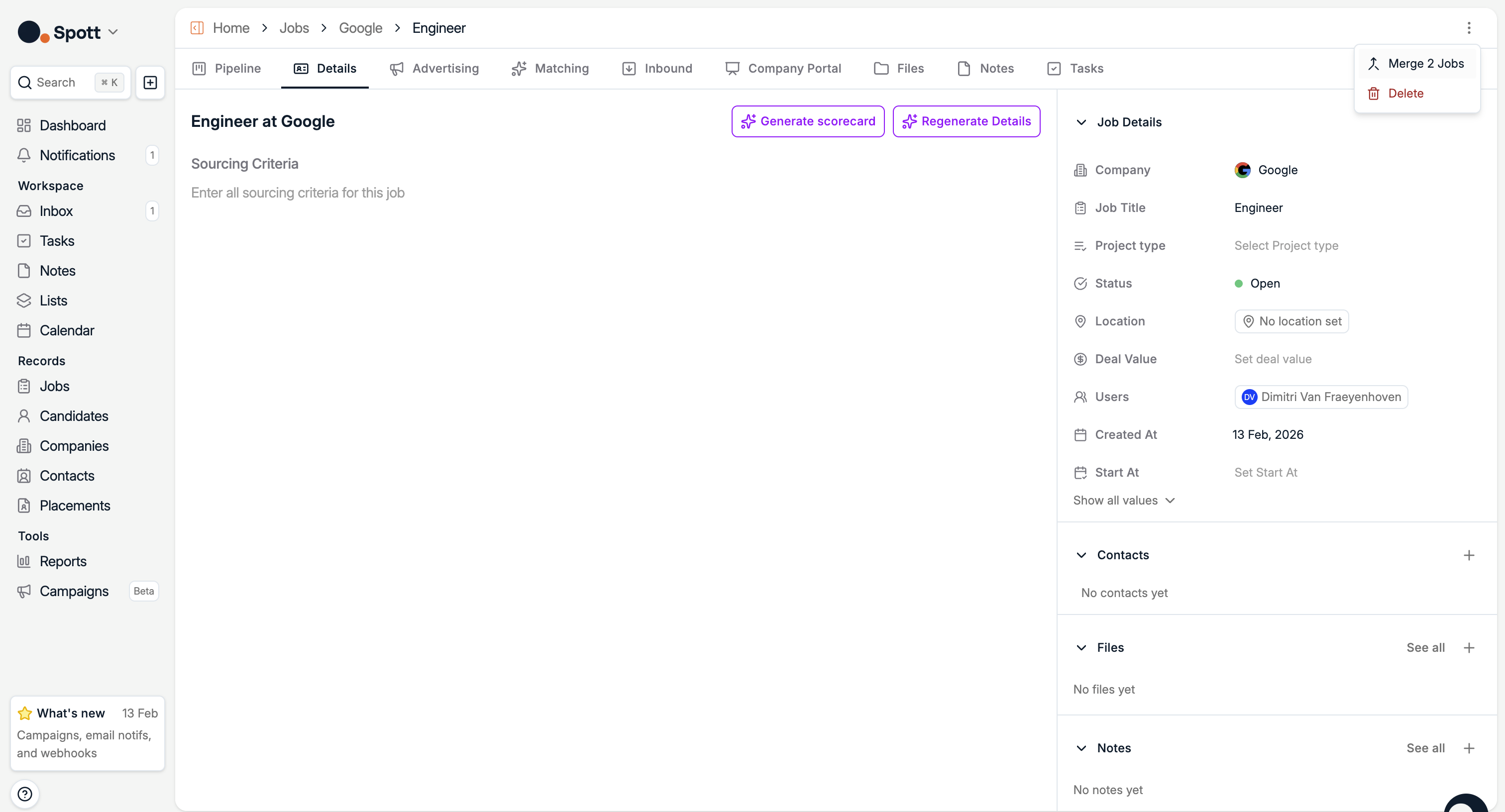
Navigate to one of the record pages you want to merge
Click on the three dots (⋯) in the top right corner of the page
Select "Merge" from the dropdown menu
Follow the prompts to complete the merge process
If you click "Merge Companies" and nothing appears to happen, there may be a slight delay in the system processing. Wait a moment and check if the merge has completed successfully.