Understanding Spott's Advertising Tab
Last updated: February 25, 2026
Learn how to create, publish, and manage job vacancies in Spott, from drafting the description to publishing them on Spott's Job Portal or on external career sites.
You can quickly navigate to this page using G then J.
Learn more about all shortcuts here.
Access a job’s Advertising Page
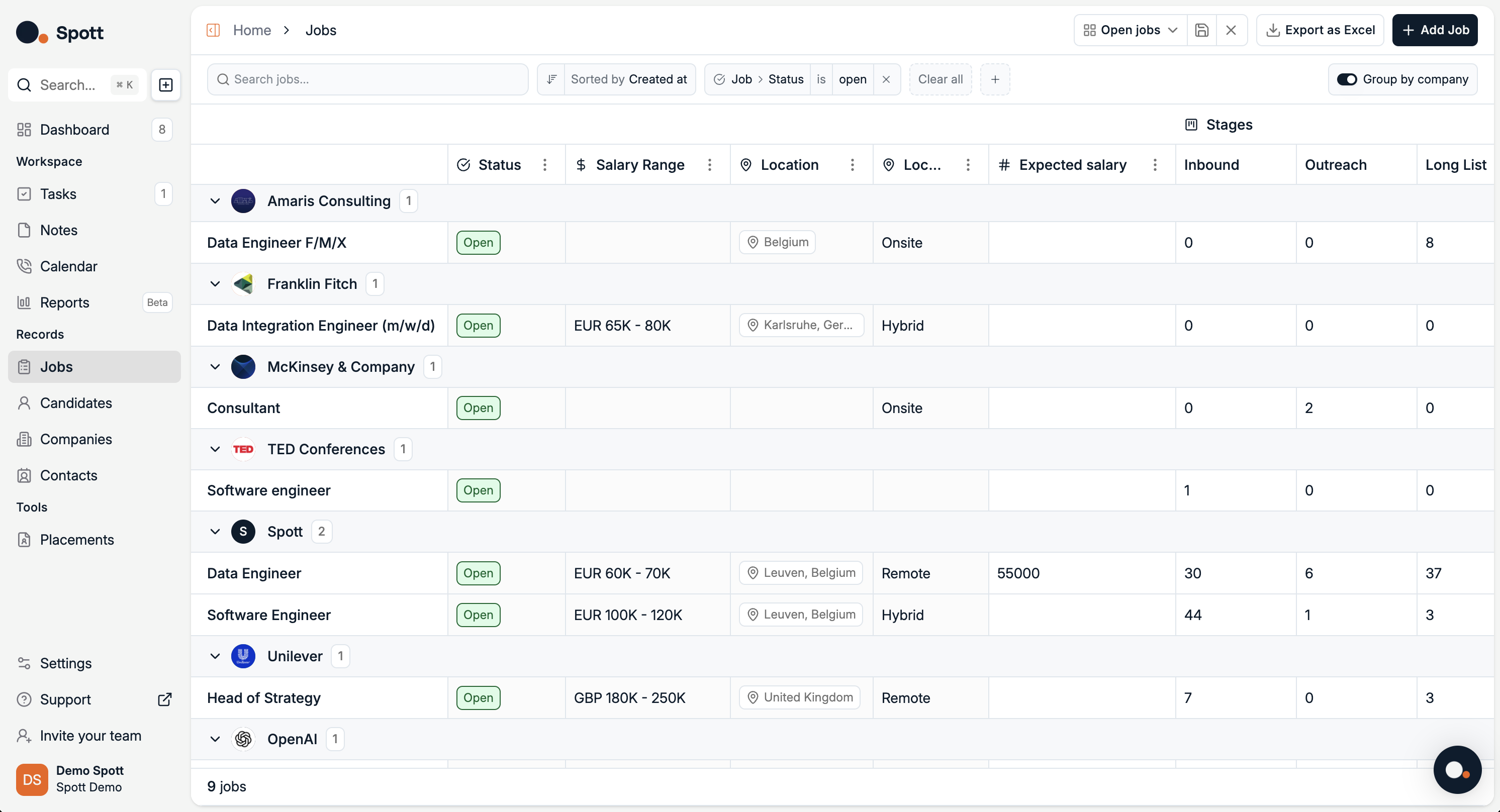
In Spott, go to Jobs.
Find the job you’re looking for. Make sure it’s under the right company or client.
Click on the job title.
Click on the Advertising tab on the top ribbon.
Job Advertising Tab overview
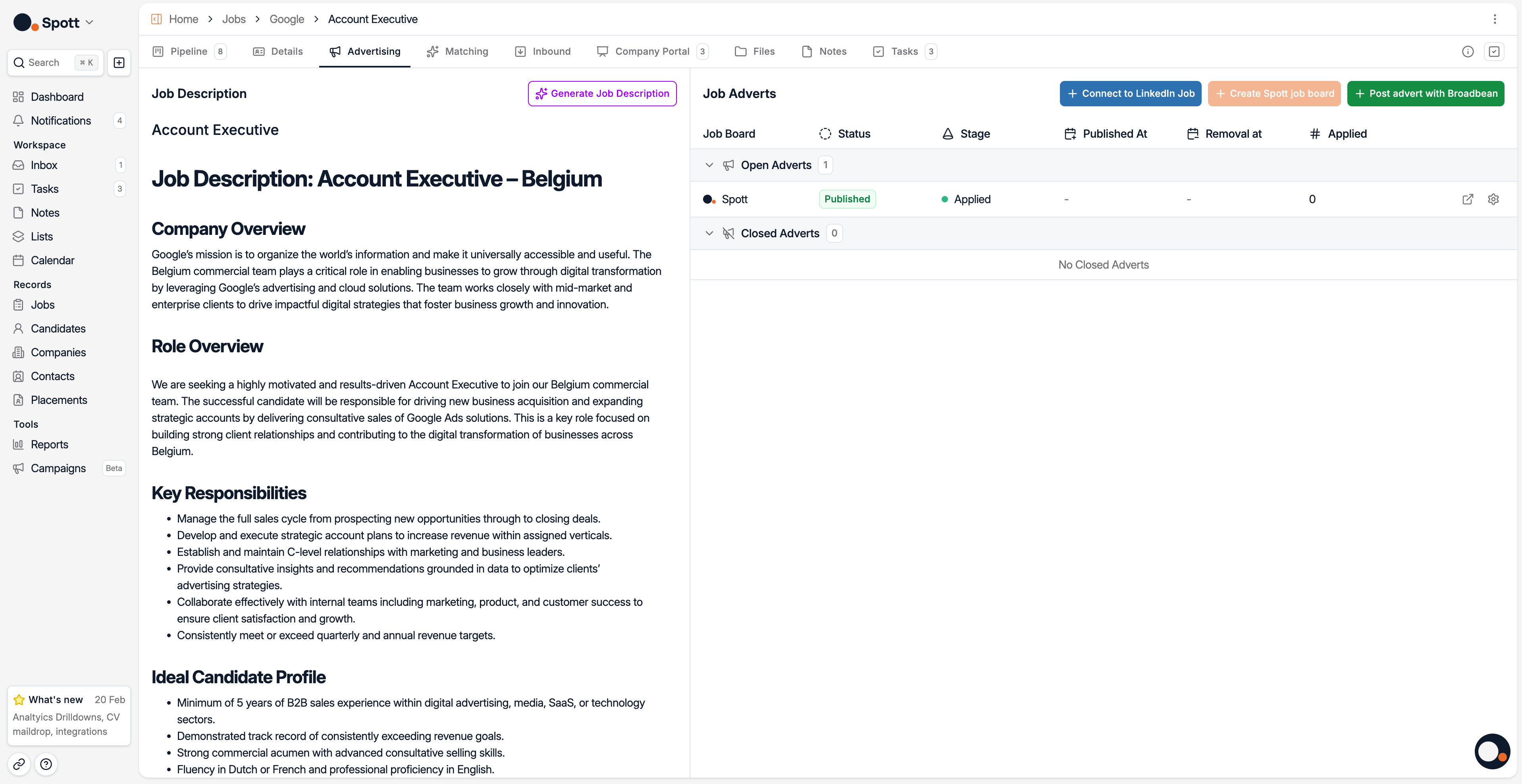
Write or generate a job description
You can create your vacancy description in several ways:
Type the description manually
Use Generate Job Description to create it with AI based on your job details
Rewrite an existing description. This can also be used if you want to translate the job description in another language
In the Settings, you can customise the Job Description Template so it fits your style.
Publish your vacancy
Option 1 - Publish your vacancy on Spott's Job Portal
The Job Portal in Spott allows you to showcase open positions online and receive applications seamlessly. Candidates who apply through the portal are automatically added to Spott, linked to the correct job, and ready to be reviewed in your pipeline. This eliminates manual entry and ensures every application is tracked from the start. To publish a vacancy on the portal:
Click Create Spott Job Board in the right-hand panel
Once created, you can change the Status at any time (Published/Closed)
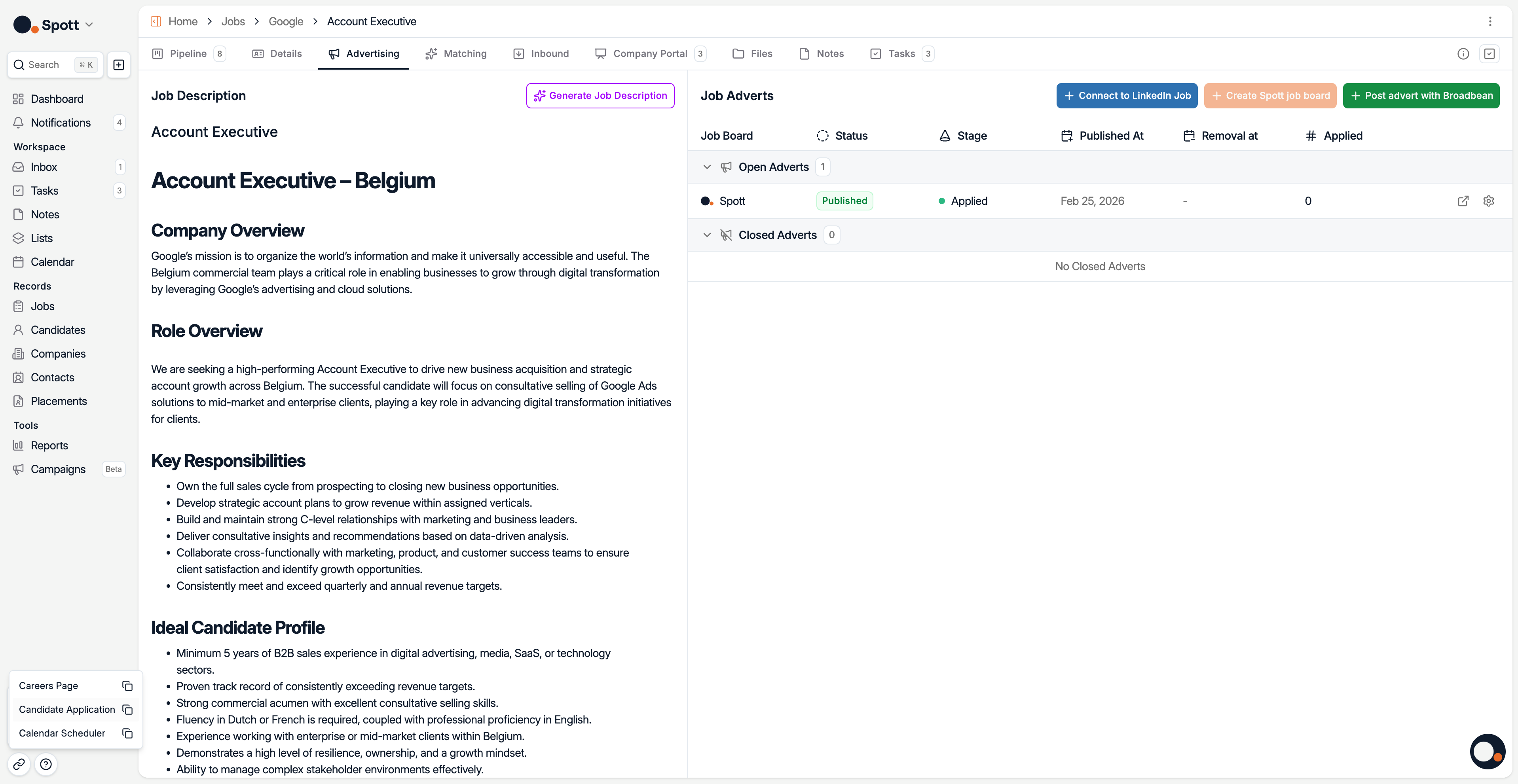
Click on the Launch Icon to Preview the Career Site preview how candidates will view and apply for the job.
In the bottom left corner, you can copy the shareable link for candidates to your clipboard.
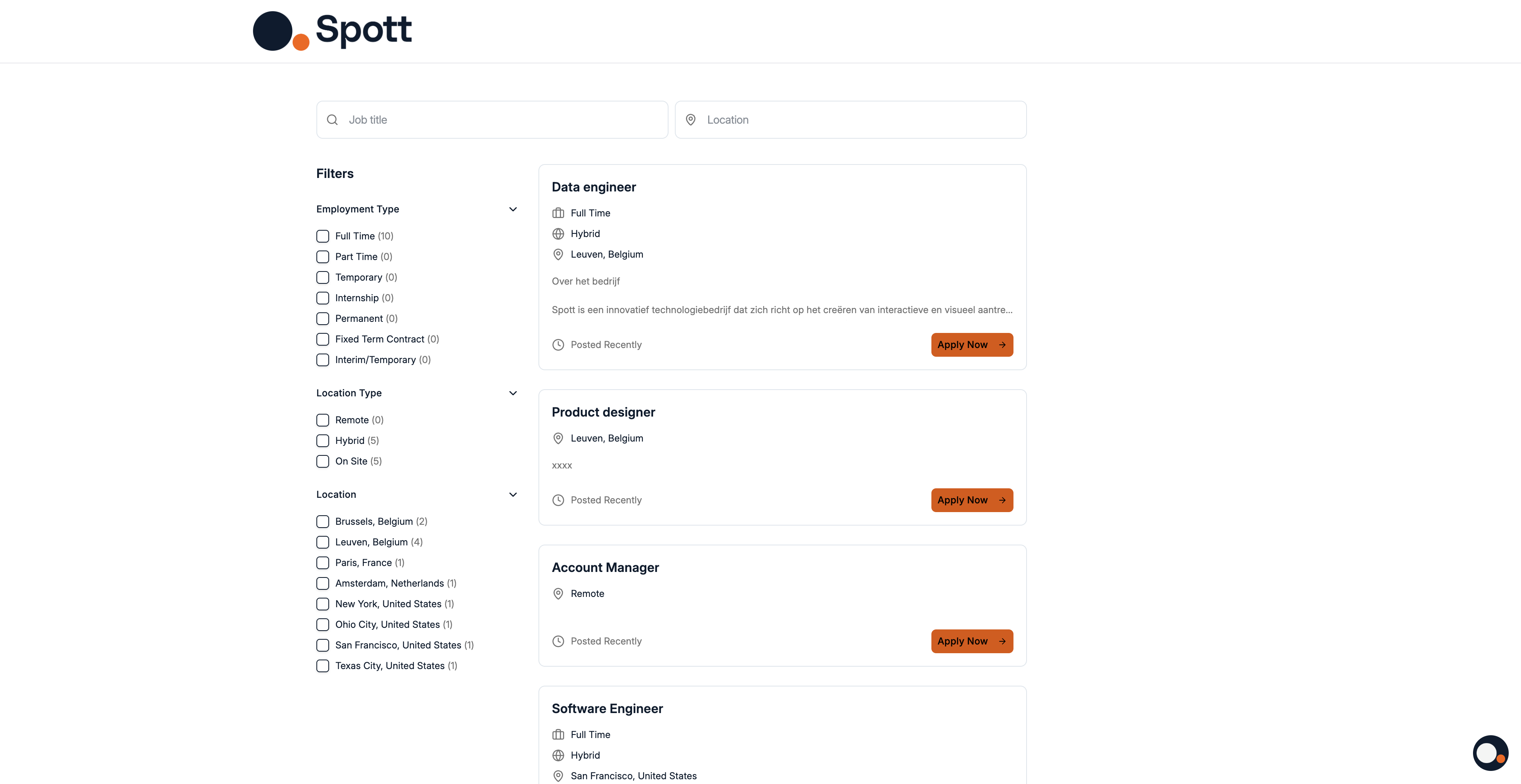
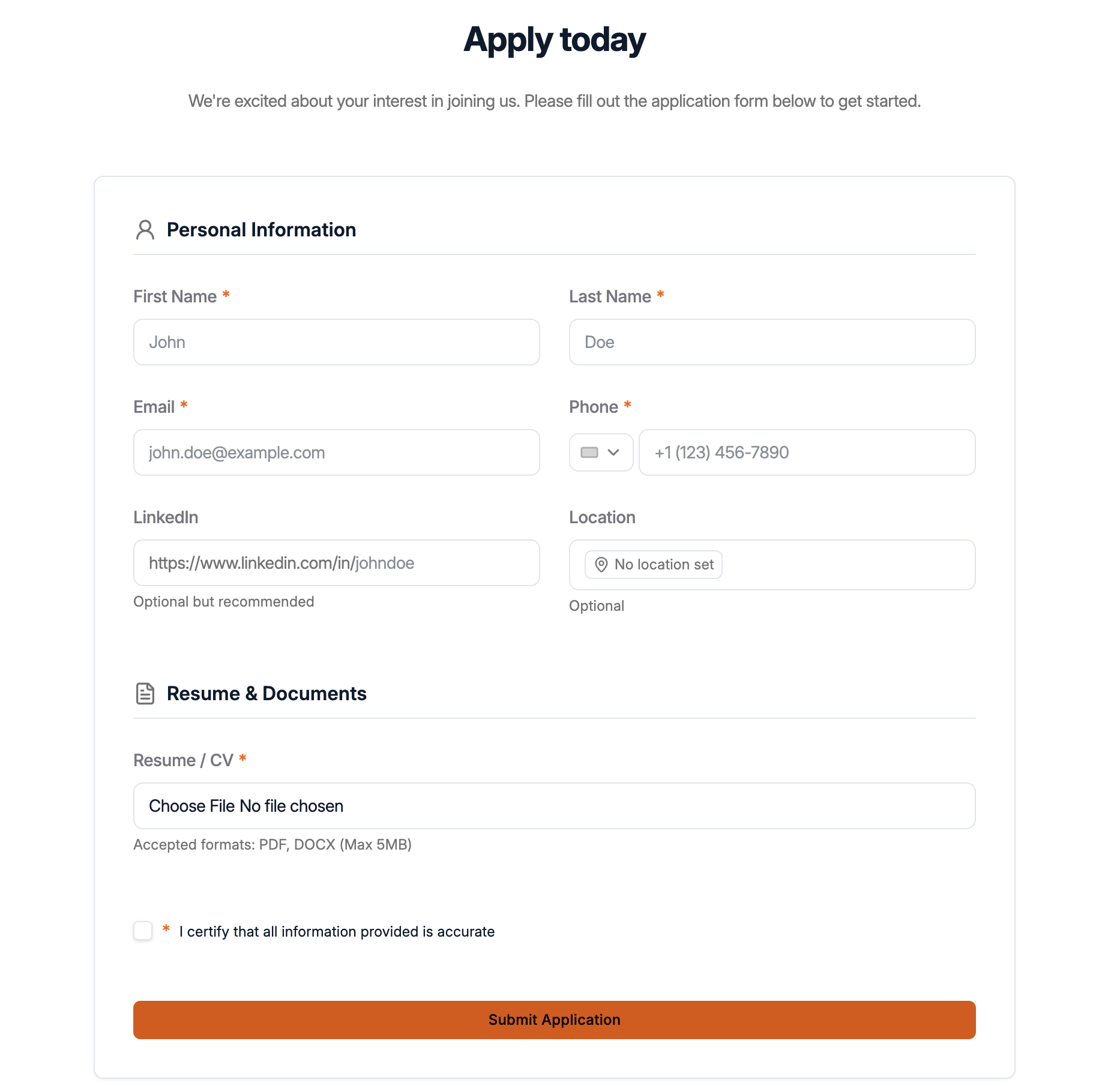
Candidates can browse through open vacancies and apply from the portal.
You can update the vacancy at any time by editing the job description in the Job Portal. Changes are reflected immediately for candidates.
Option 2 LinkedIn Job Board posting
Learn how to link a LinkedIn job board post and how you can receive inbound applications from LinkedIn for review directly in Spott here.
Candidate flow
When a candidate applies through the Vacancy Portal or LinkedIn posting:
The application is captured automatically.
Candidate appears in the Inbound stage of your pipeline.
The sourcing criteria provided in the Job Portal tab will also be used by Spott’s AI Matching tool.